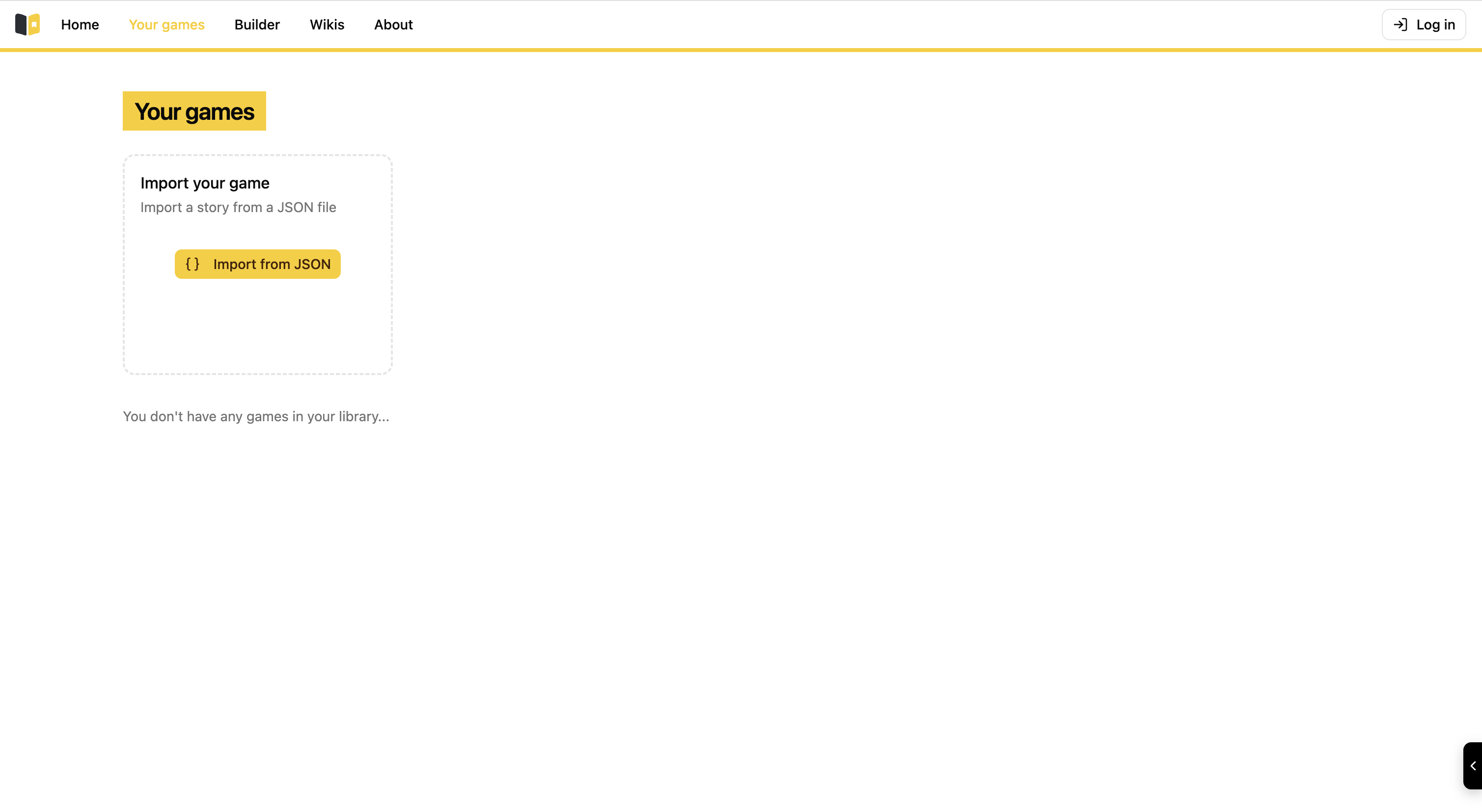
Create your first story
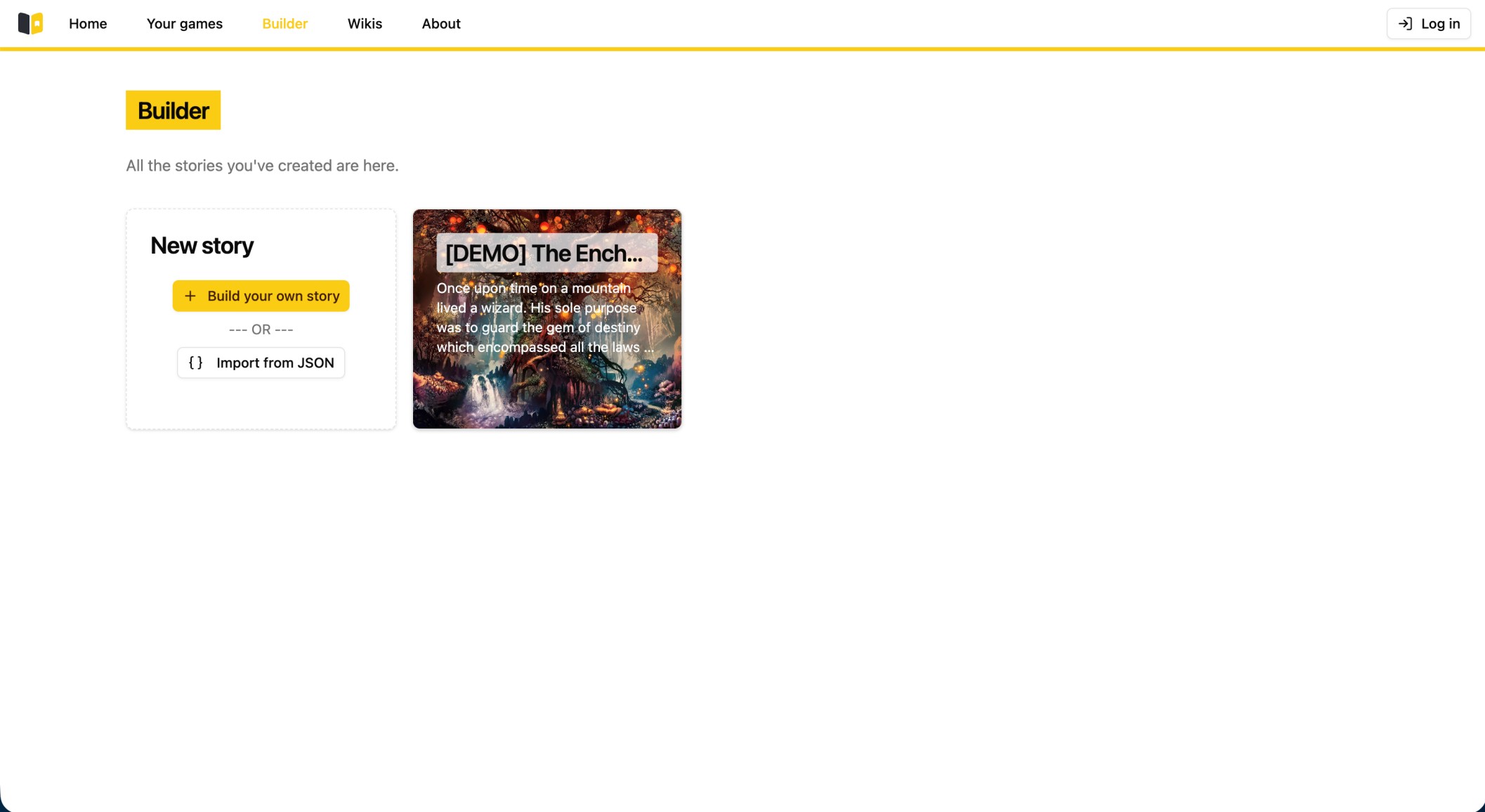
This is the story builder engine that boasts powerful narrative options for your stories.
To create your first story in Story Builder you need first to head to the "Builder" section which contains the engine that allows you to freely create stories.
This is the page where all the stories you created are stored. You can choose any story you wish to modify or you can create new stories thanks to the "Build you own story" button.
You can also import stories in a JSON format and then continue building your stories or work on those of your friends and relatives!
For the sake of this presentation, we are going to create our own story and see how things unfold in the most crucial part of Story Builder: THE BUILDER!
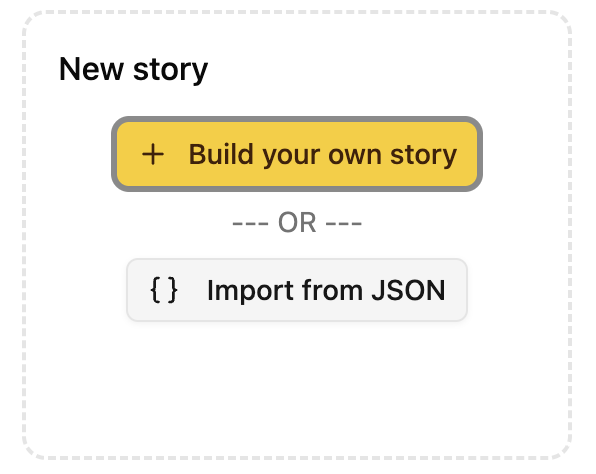
So we first click on "Build your own story".
But first you need to initialize your story by filling some needed information.
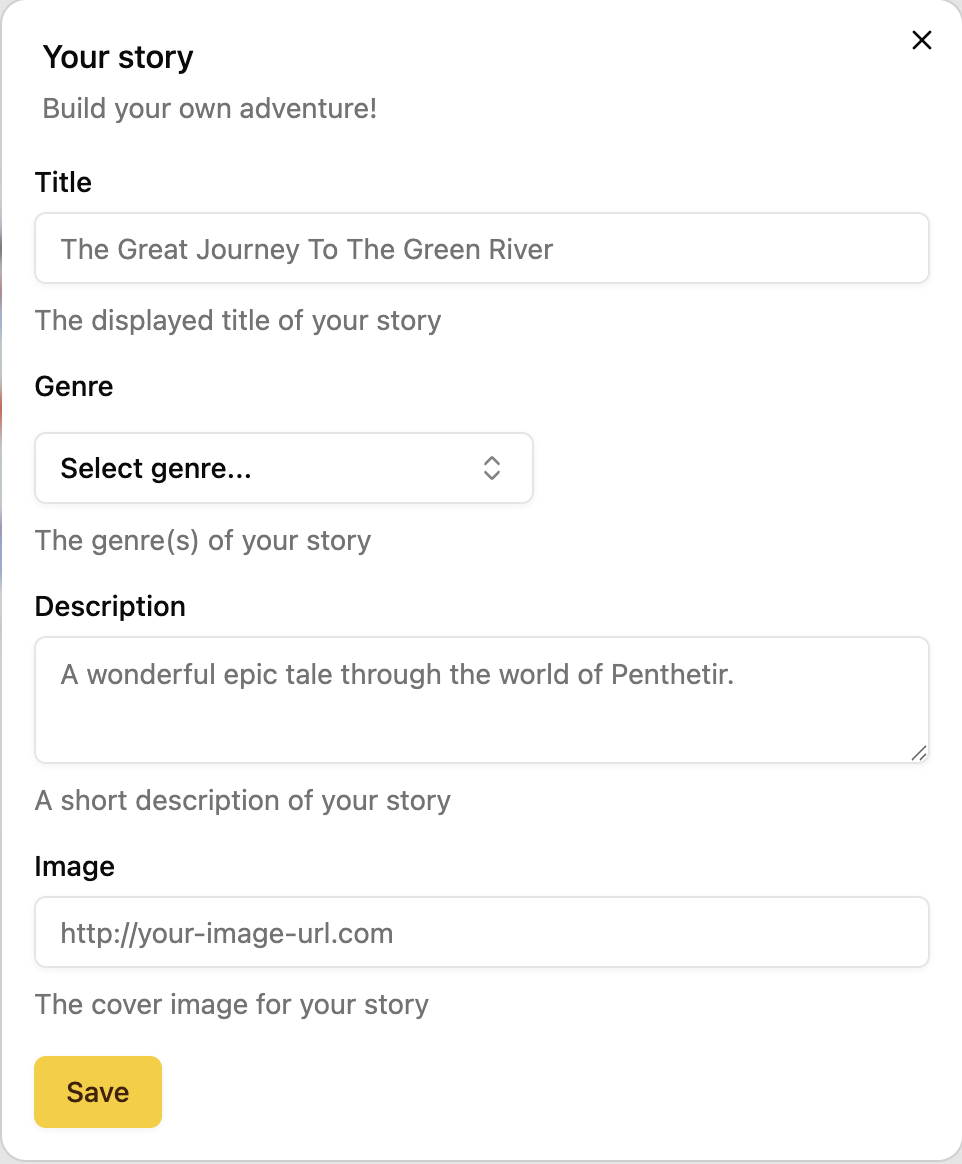
After you have filled all the required fields you can access the builder engine which is the heart of Story Builder.
You also can import any image from the internet by copy pasting the image's URL.