Homepage
This is where the games that you have created and imported are saved. You can access them by clicking the "Your games" button in the navbar.

You then reach the home page of the library:
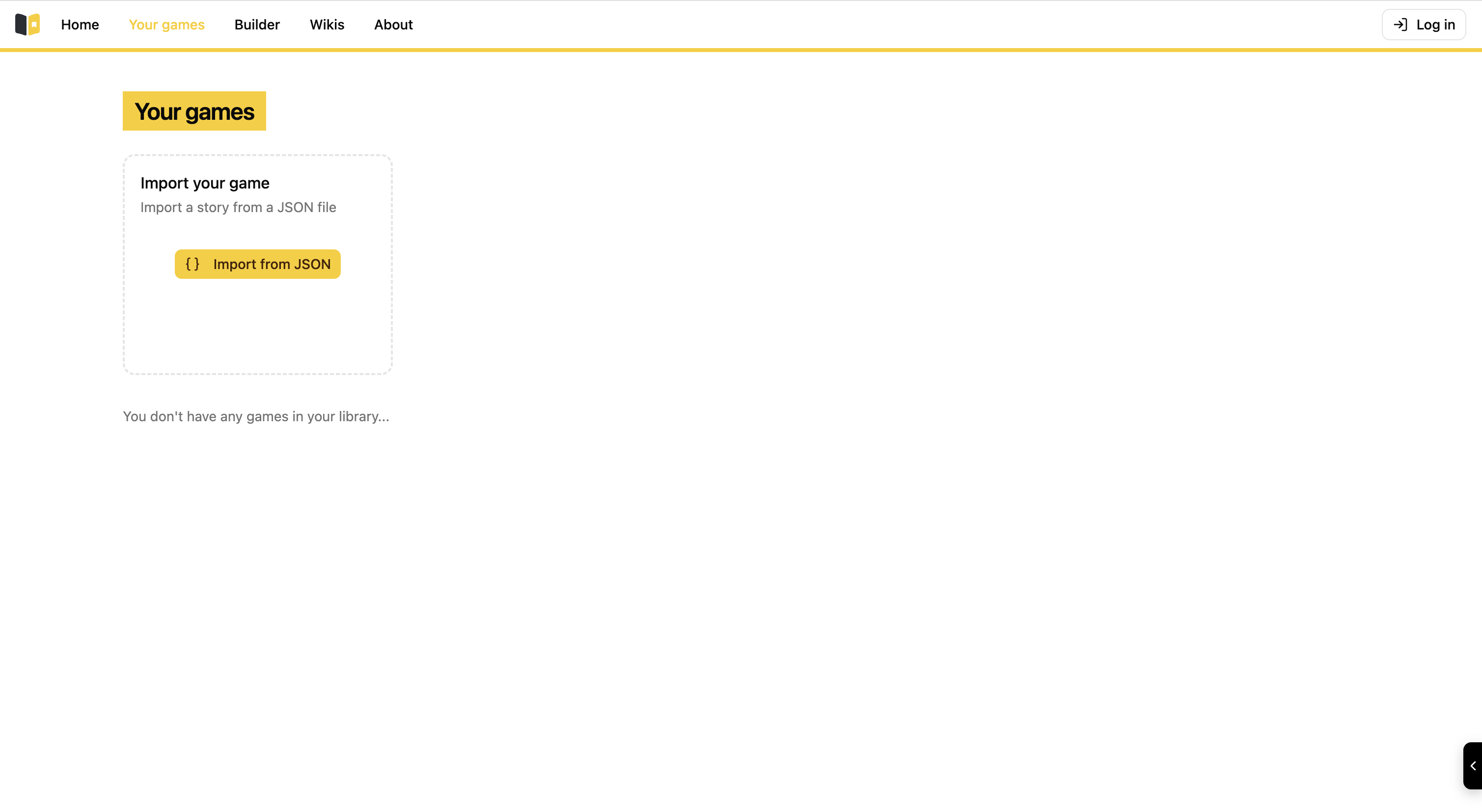
You can see that it is currently empty, no stories of any kind.
To remediate this there is an "Import Your Game" option available to you, with that you can import all the stories created in Story Builder: The ones you have created yourself and other people's creations. There is however a constraint for this import function: JSON only. All the stories that you import or export within Story Builder are in JSON format, which is a standard text-based format that allows us to easily share stories between different users.
Here if you click the "Import from JSON" button, a popup window appears:
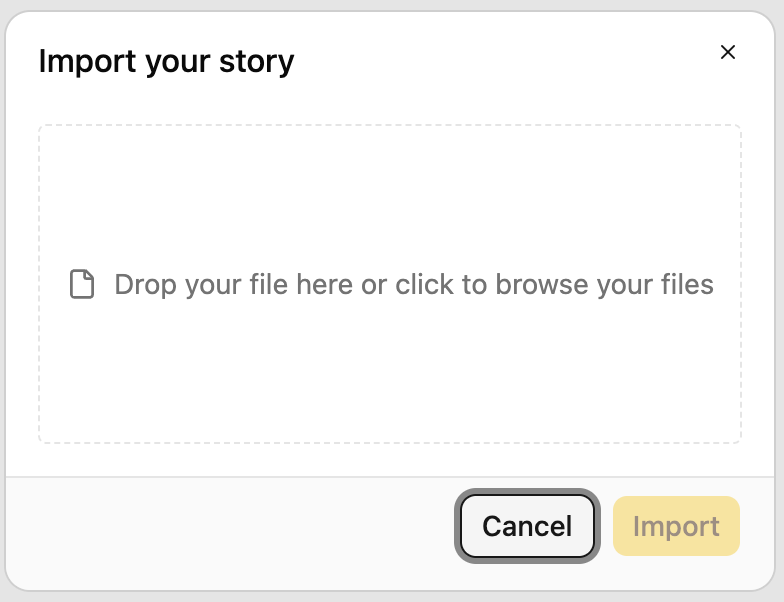
All you have to do is drag and drop your story in JSON format or click on the window to browse the files on your computer and choose the story you want to import.
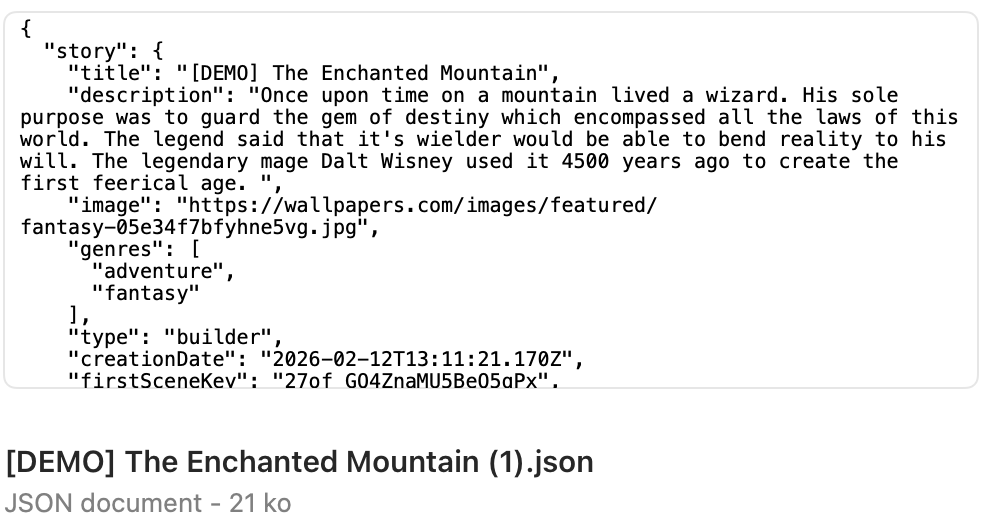
Now that it is imported, you can access your story from the library.