Wiki
Wikis in Story Builder allow you to develop the narration of your story even further by adding lore oriented elements.
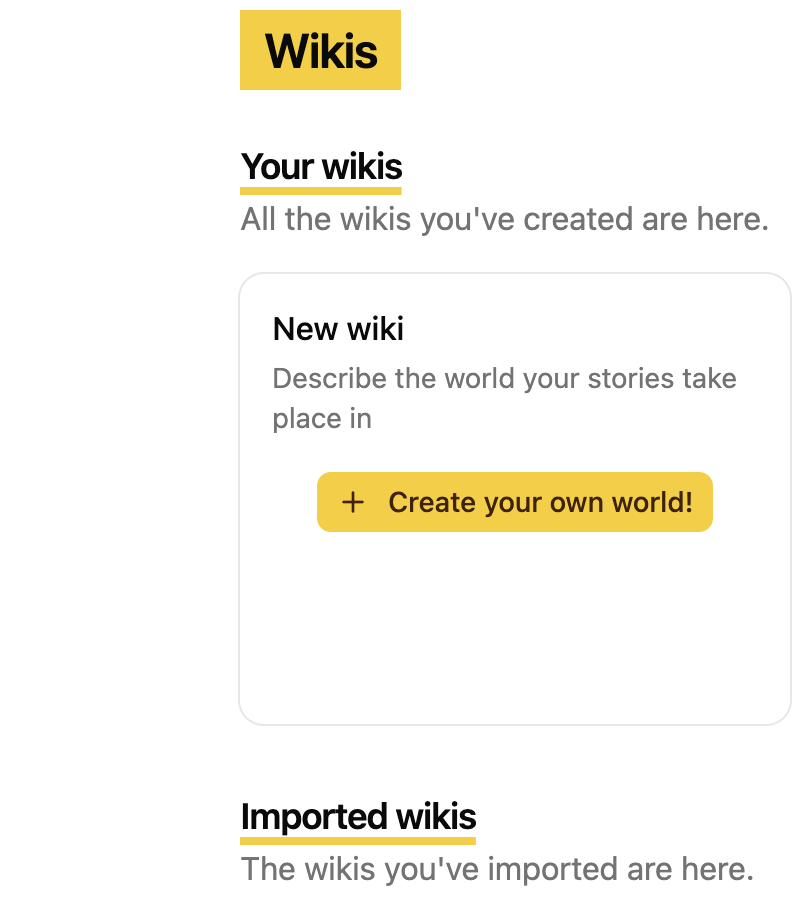
To create a wiki you need to click on the wiki related section in the navbar and then again click the yellow button to create you first wiki:
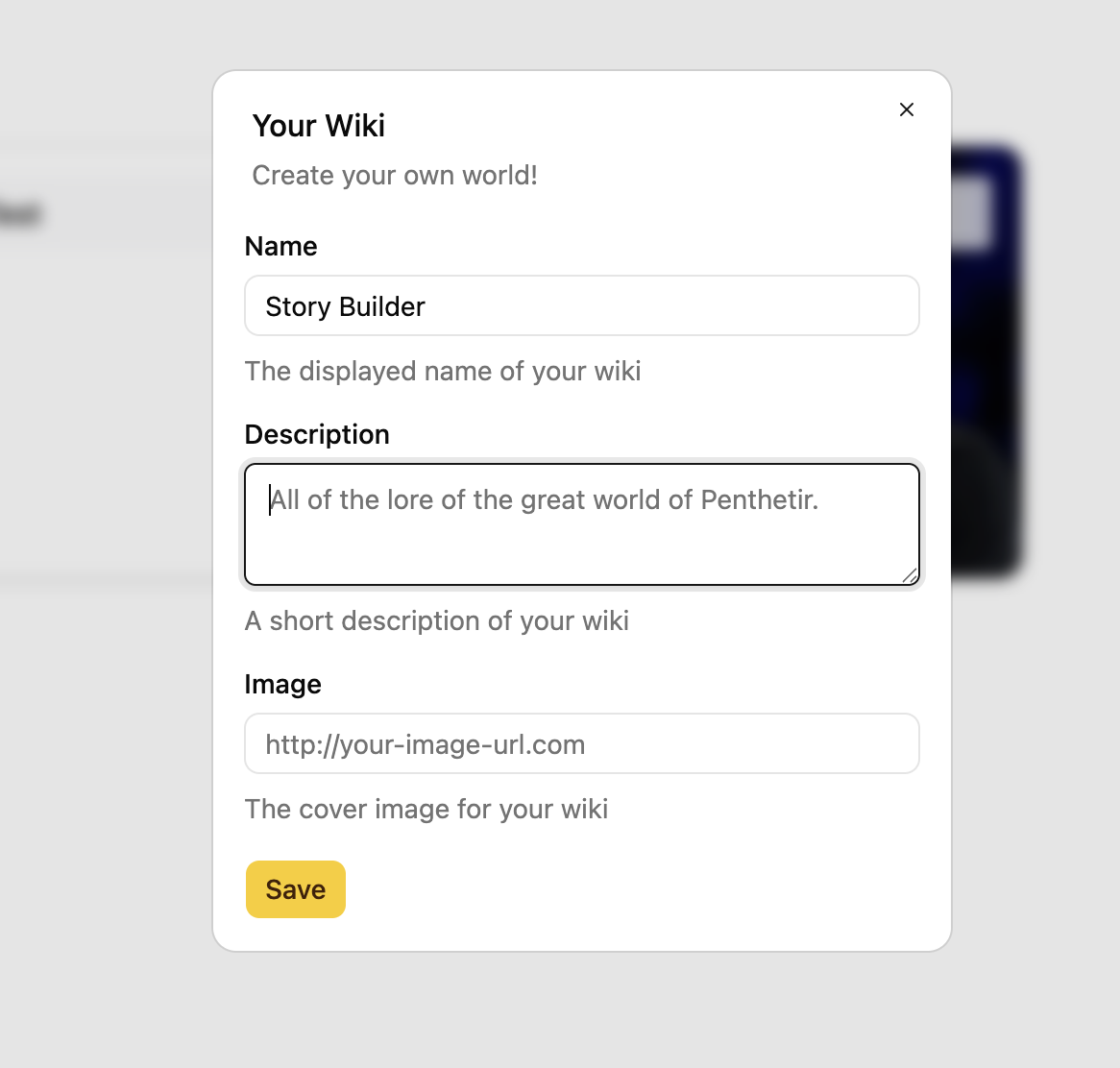
You then get a pop-up window with a small form that you need to fill out to create your first wiki.
Now that your wiki is created, you can take a look at the main page when it is still empty:
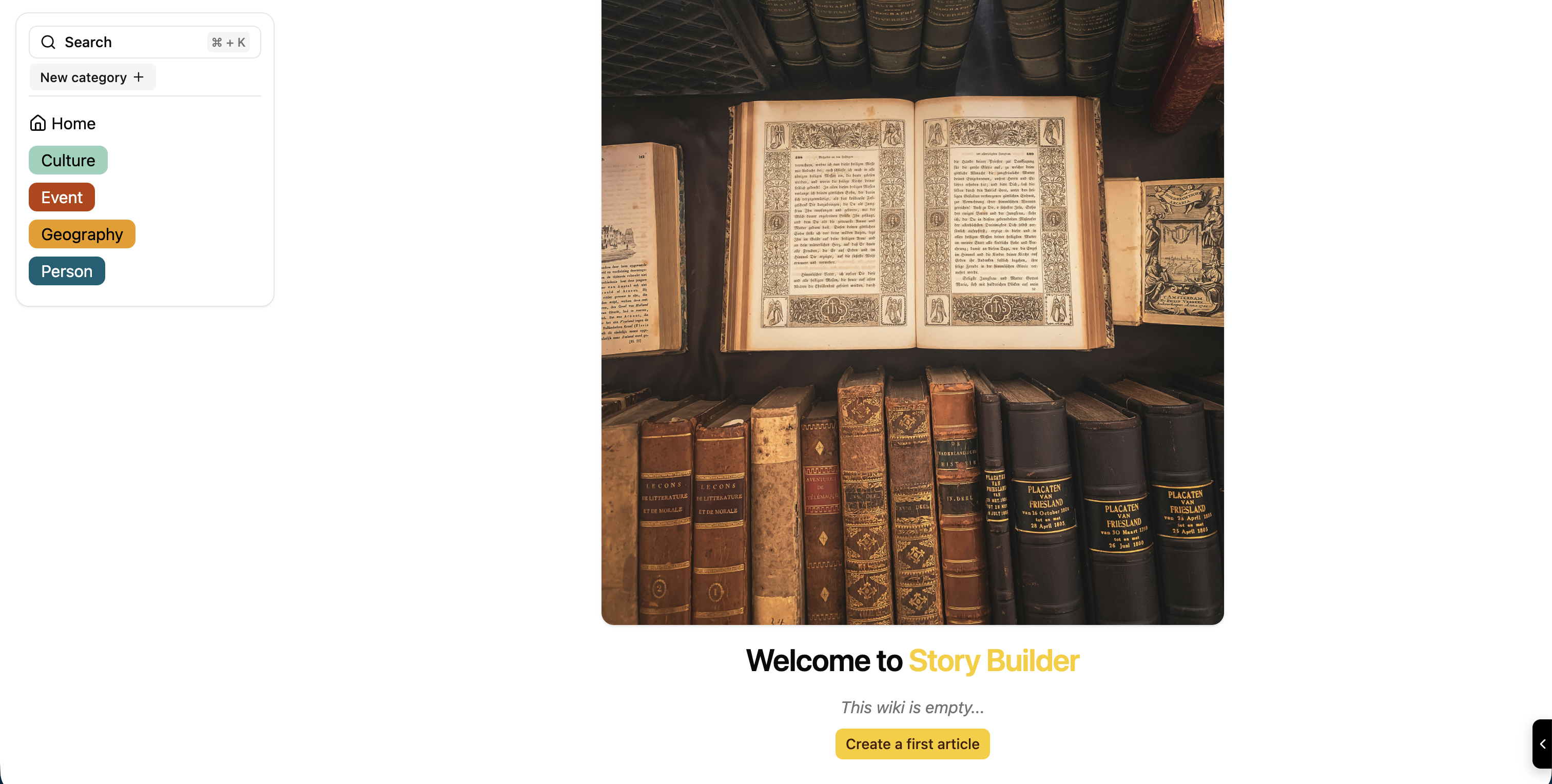
From there, all you have to do is create your first article by clicking the "create a first article" button at the bottom of the page. You'll then get the following form to create your article:
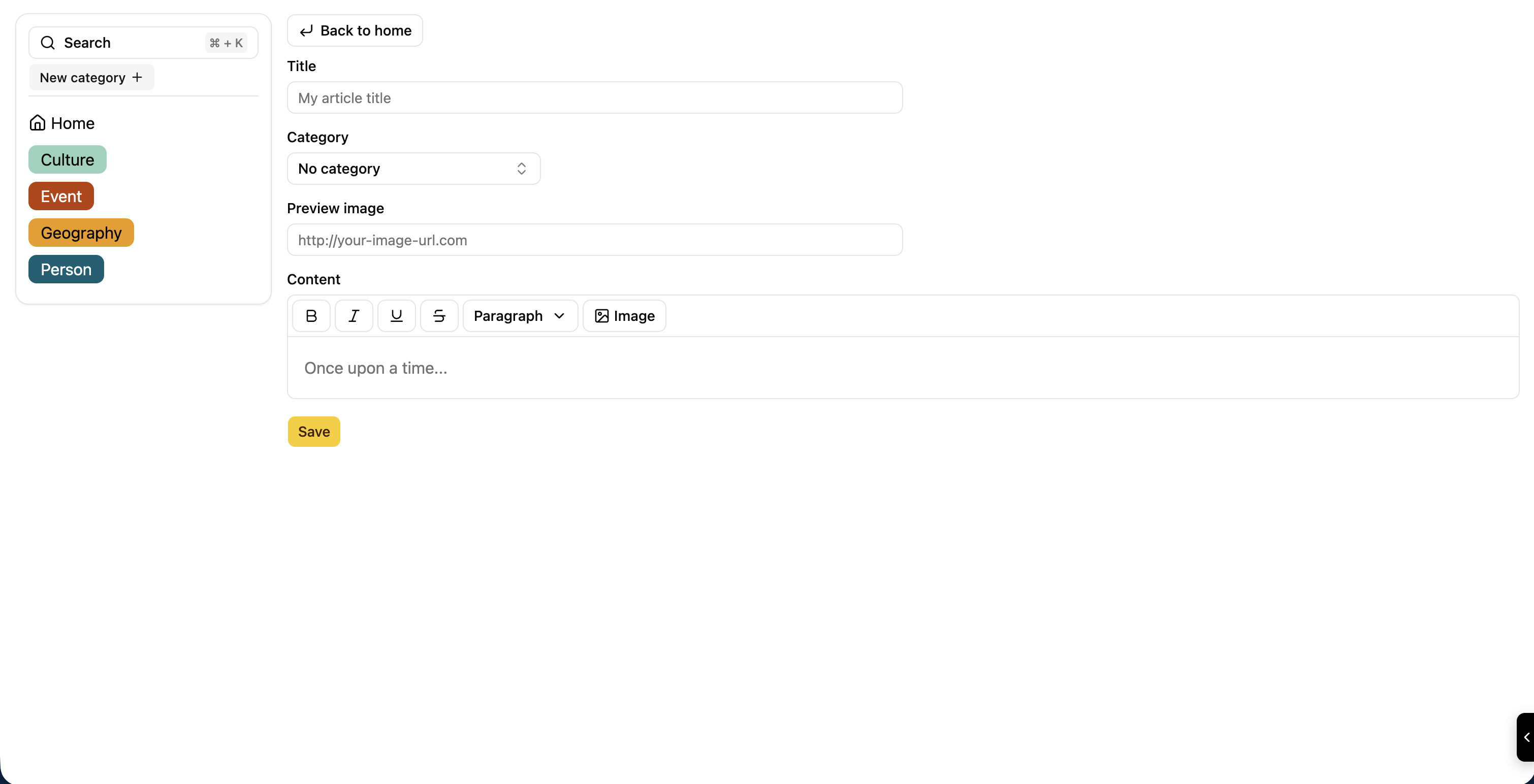
You just need to fill out the form with the required information and TADA you have created your first article on your newly created wiki:
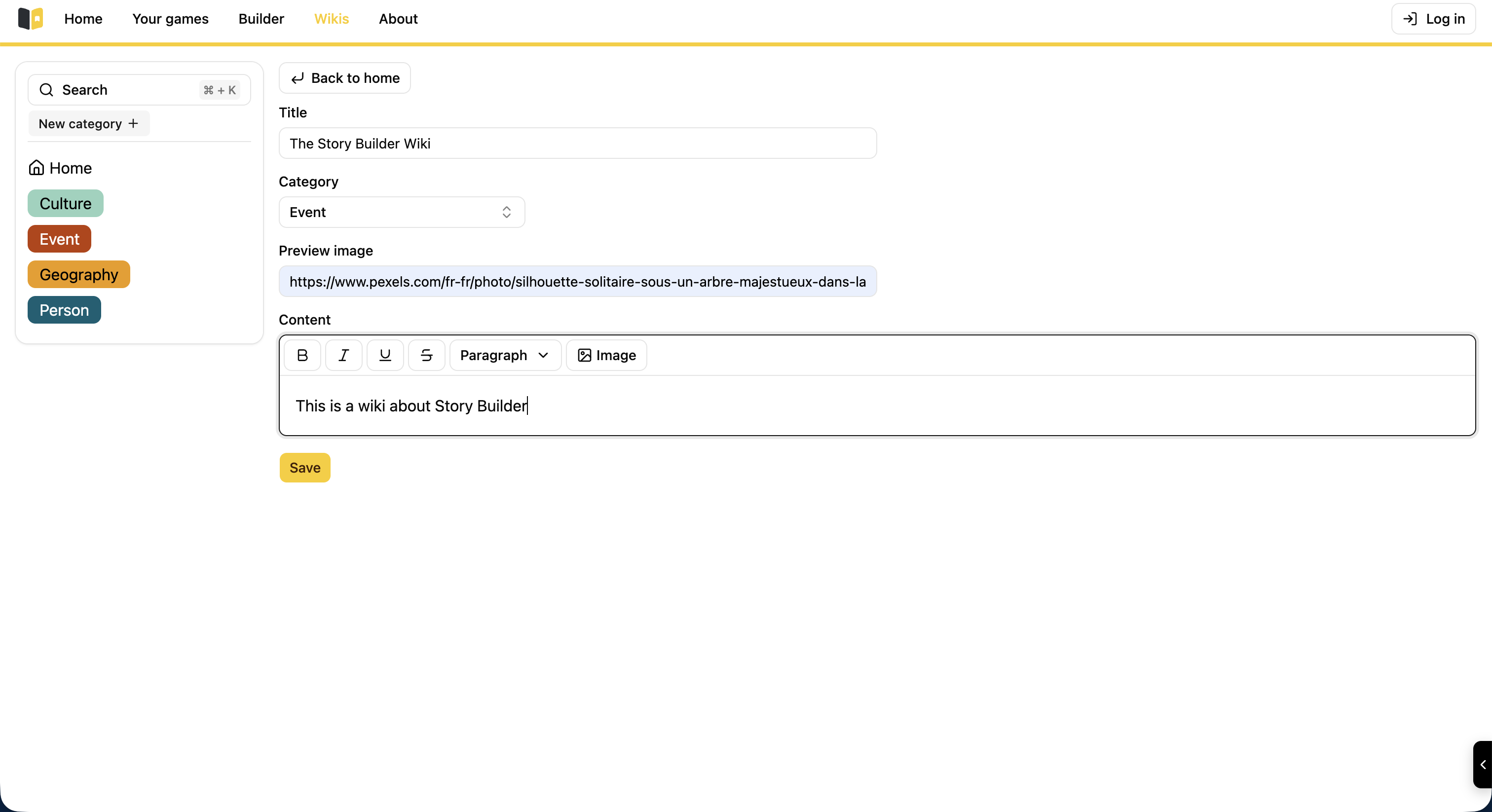
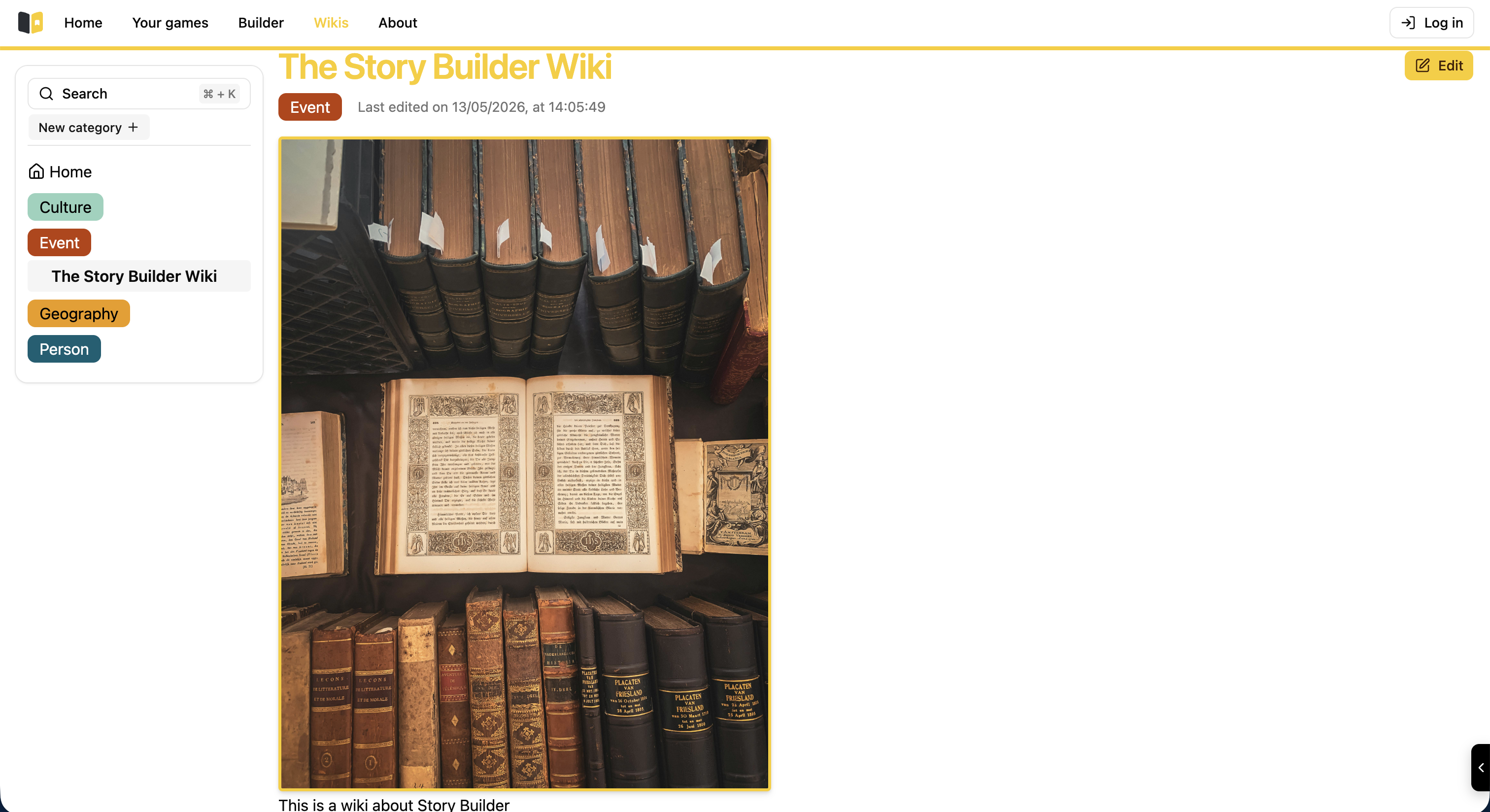
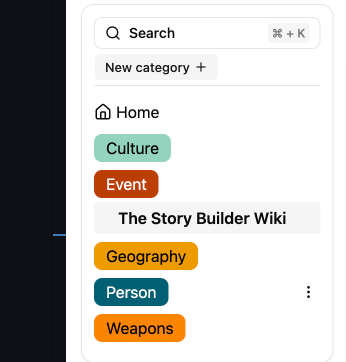
You can also create a new category with the sidebar button on the left of your screen:
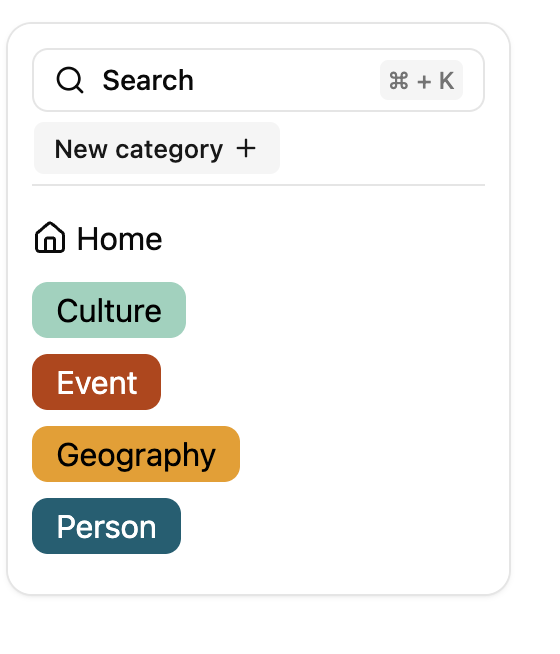
Creating a new category allows you to organize your wiki with a much better efficiency.
Here we can create a new category entitled "Weapons", a small popup appears where you enter the name of this new category and the color of the associated tag:
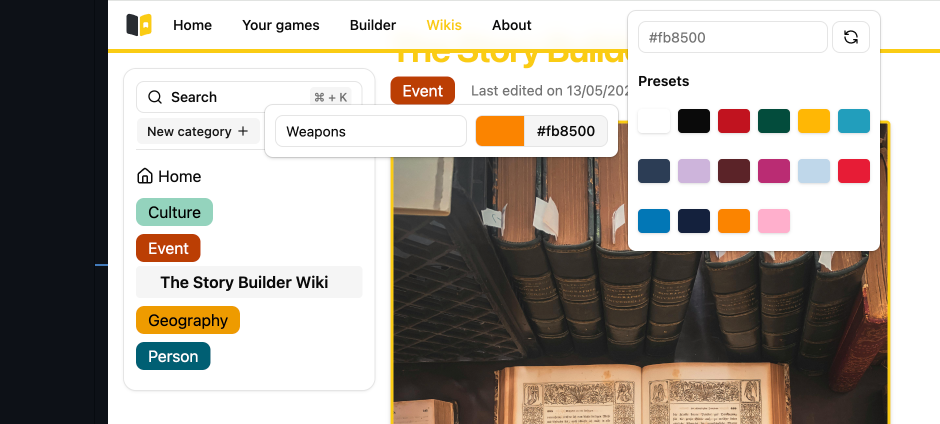
Just press enter and congratulations you have created your first wiki!!!