Stories
Now that you have imported a story, you can access it and explore its possibilities.
Right now the only story we have in our library is the "Enchanted Mountain" that we have imported in the previous chapter. If we click on it we can access the story:
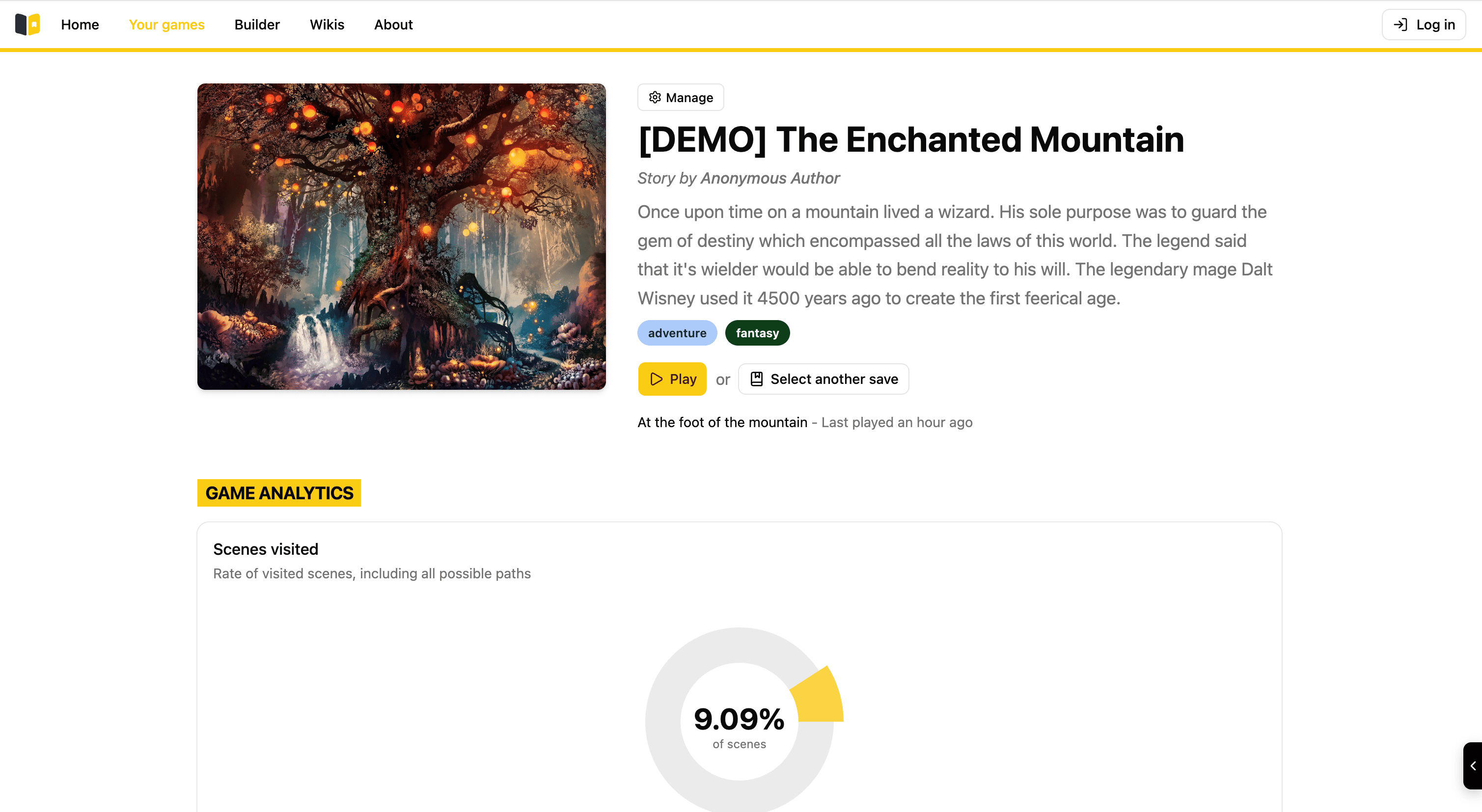
This is the main detailed view of a playable story once you have clicked it.
You can see various elements on this page, the title, type and description on the top half and the game analytics on the bottom half.
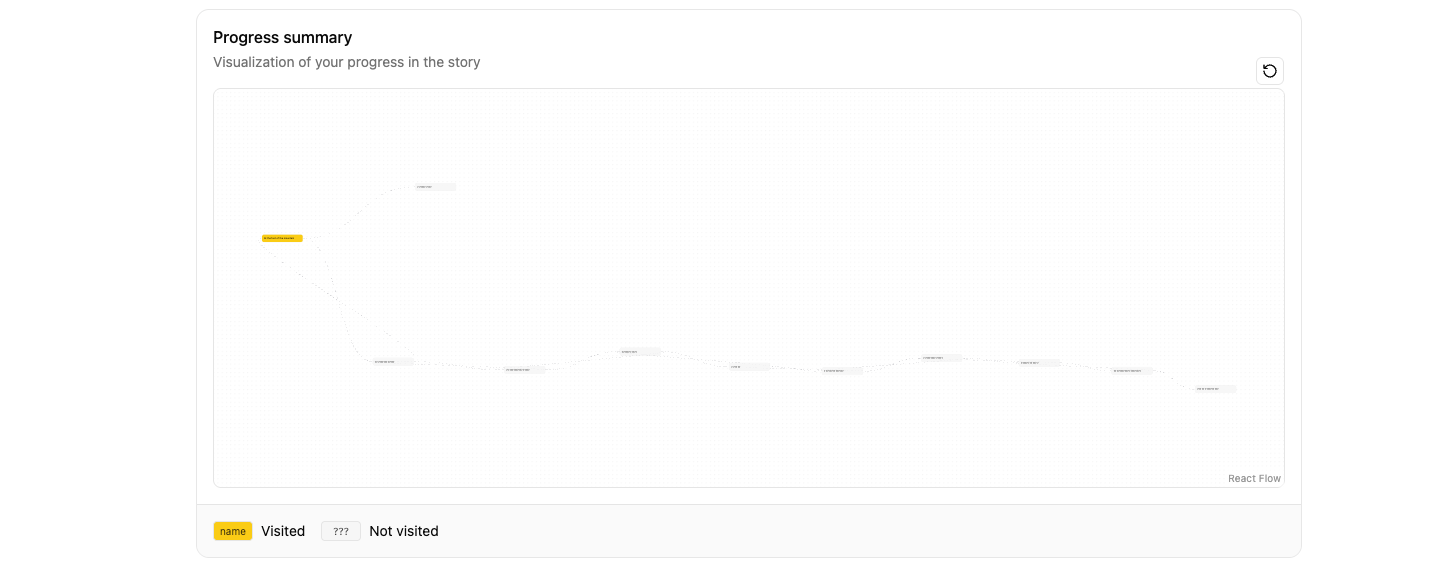
If you scroll down even more, there is a progress summary feature that details the different possible paths in the story which is great if you have doubts about yout choices along the game you have started.
To play the game you have to click the "Play" button at the top of the page next to the story description. Moreover you can also choose which save of the game you wish to play. You can see that there is also a "Select another save" option that triggers a sidebar on the right side of the screen that displays all the different possible save slots that you have played.
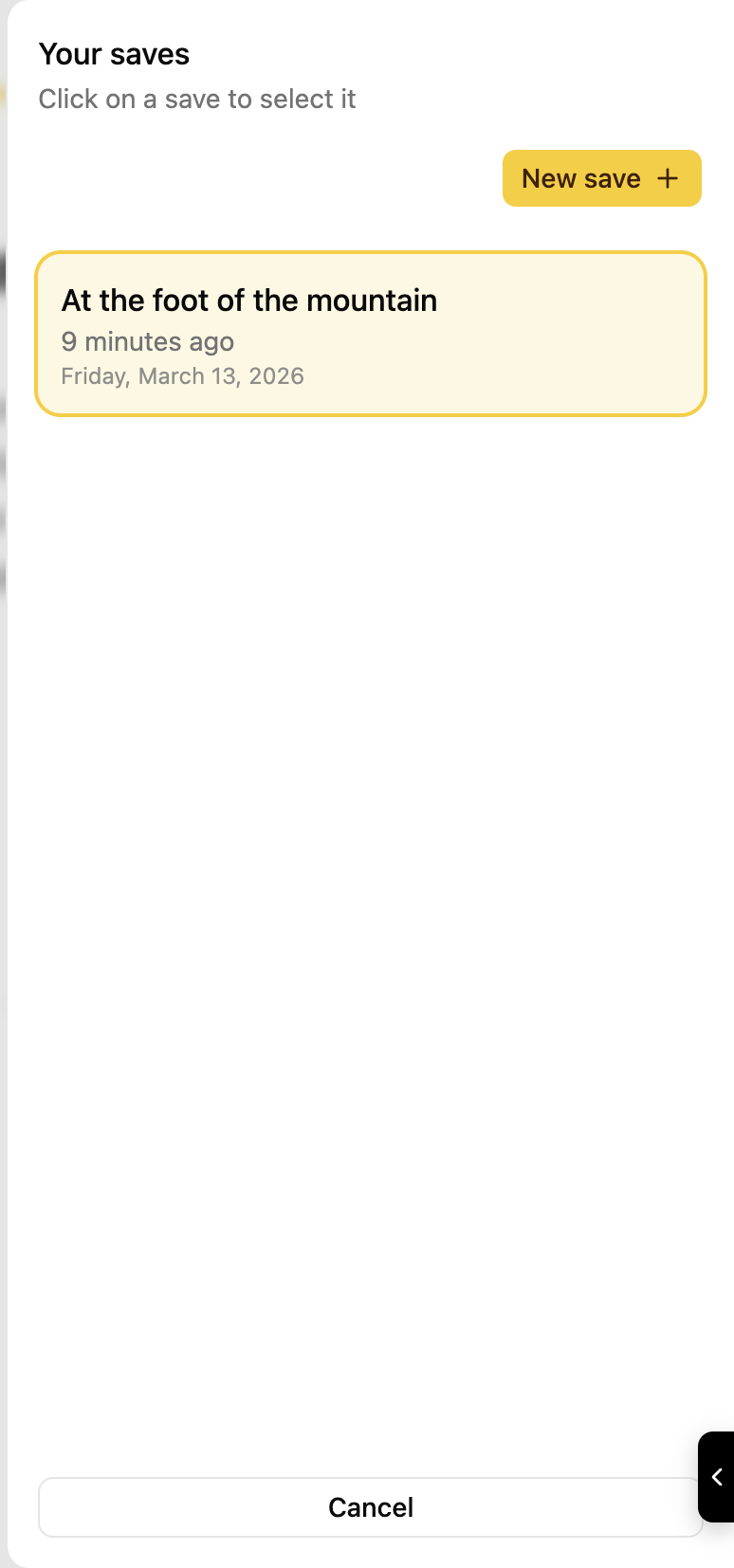
As you can see I have only 1 one save available.
If you scroll down even more you can see that a graph overview of the choices you have made in your story is available. By default all the scenes you haven't visited are labeled as question marks to avoid spoiling the rest of the story. The important part here is that you can use this "bird view" kind of tool to further understand the possible paths available to you in the story, this makes replayability all the more interesting.