Wiki linking
Story Builder offers their users the possibility to enrich the lore of their story even further. As such, there is a possibility to link any word or sentence present on a scene description field to an existing wiki.
Of course, you need to have an already existing wiki to link it into your scene. Let's make a demonstration here!
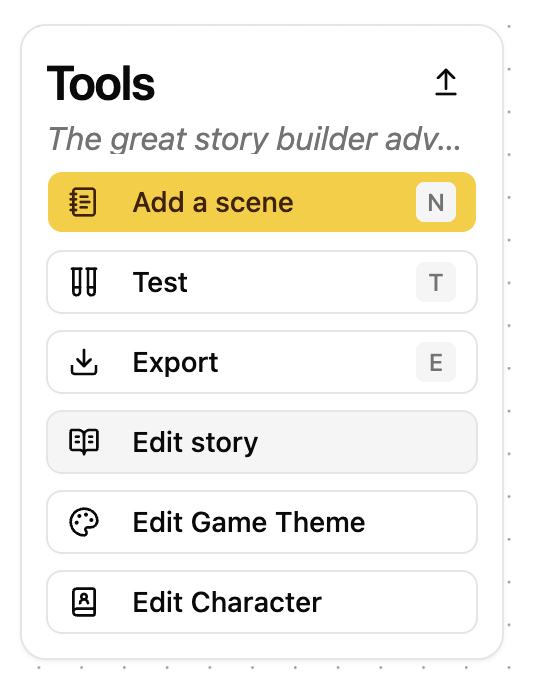
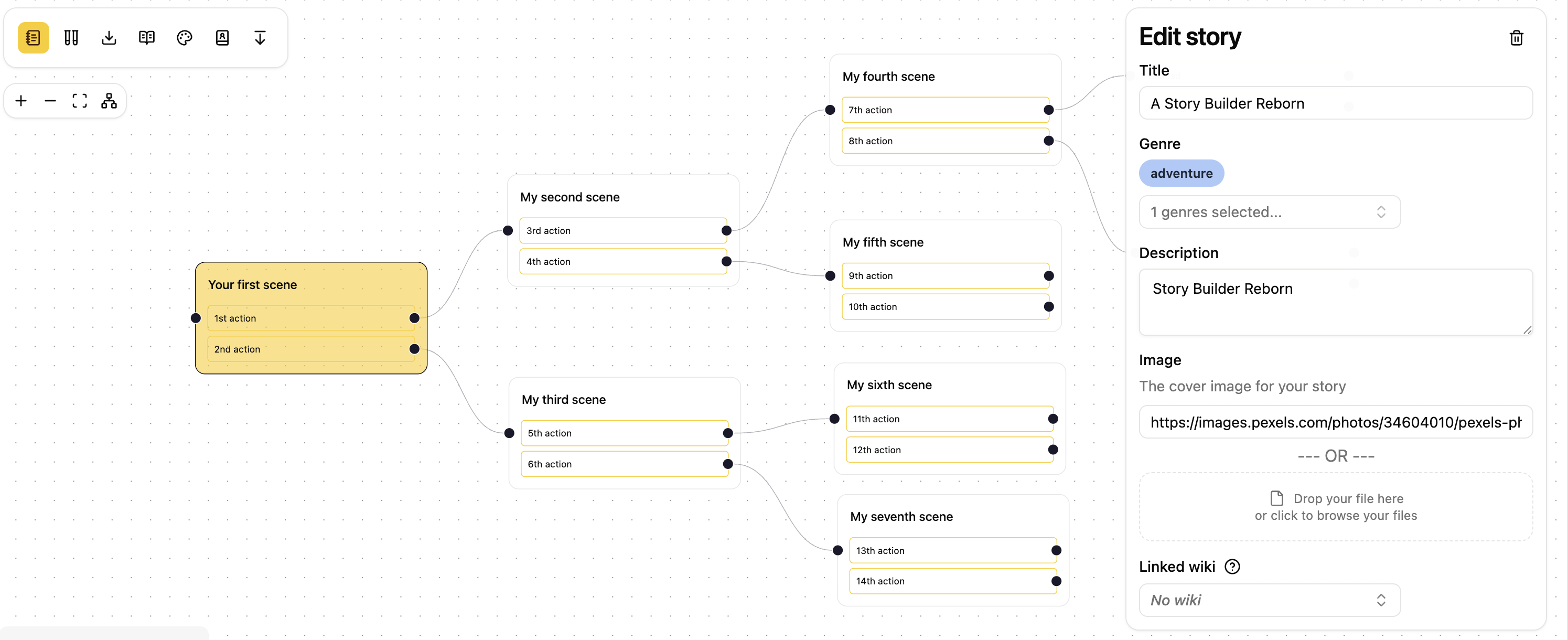
Let's say that I want to link a wiki on the third scene of my story, all I need is to go to the toolbar on the upper left side of your screen and click on the "Edit story" button.
A window appears on the right side of your screen, you just need to select an existing wiki on the last field in the form entitled "Linked wiki":
You the select and existing wiki:
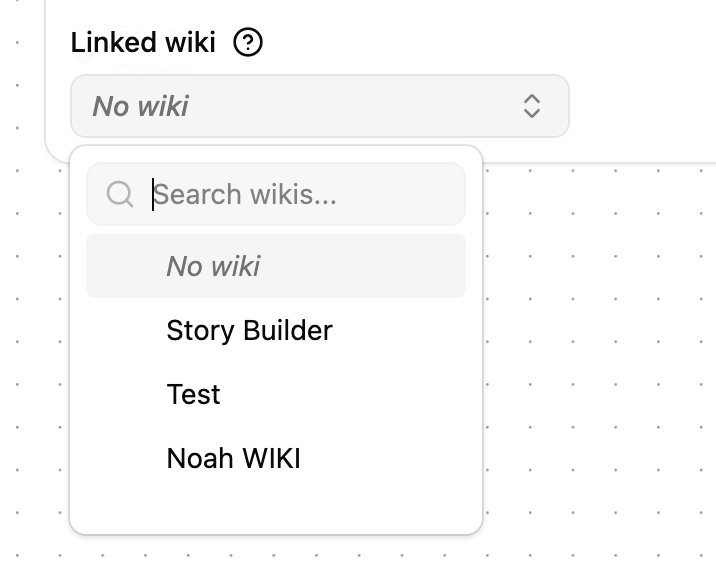
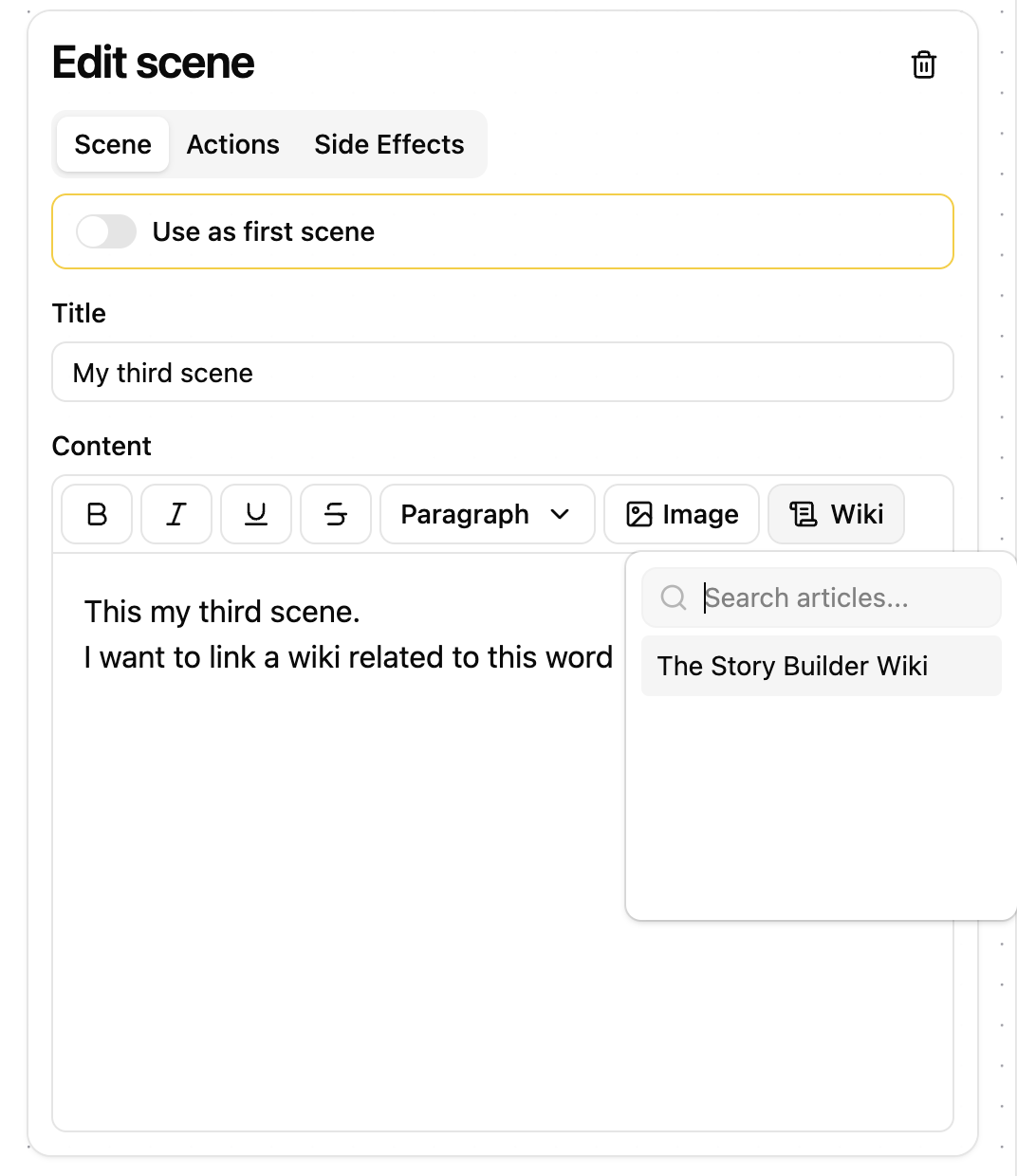
Here we choose the "Story Builder" Wiki. After that we select our third scene and we highlight a word or a sentence in this case the word "word", we then click on the "Wiki" button and select the wiki:
If you want to consult the wiki after that all you have to is hover your mouse above it and click on the wiki link.